
Options - General
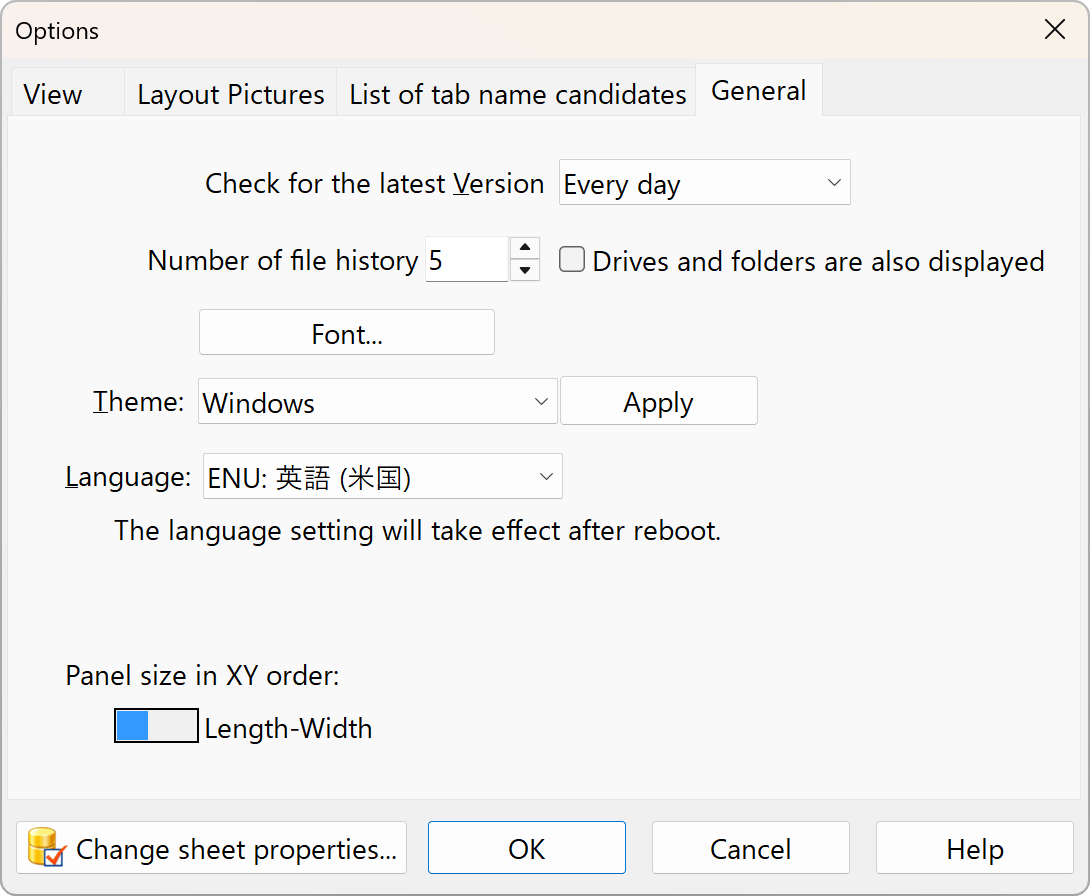
Check for the latest Version
Number of file histry
You can open previously opened files from the File menu. Set this to 0 if you do not want to use this feature or if you want to clear the history.
Font
Set the fonts for data entry and the cut layout diagram.
Theme
Specify the window appearance. The default is “Windows”; select “Windows 10 Dark” to enable dark mode.
Windows: Default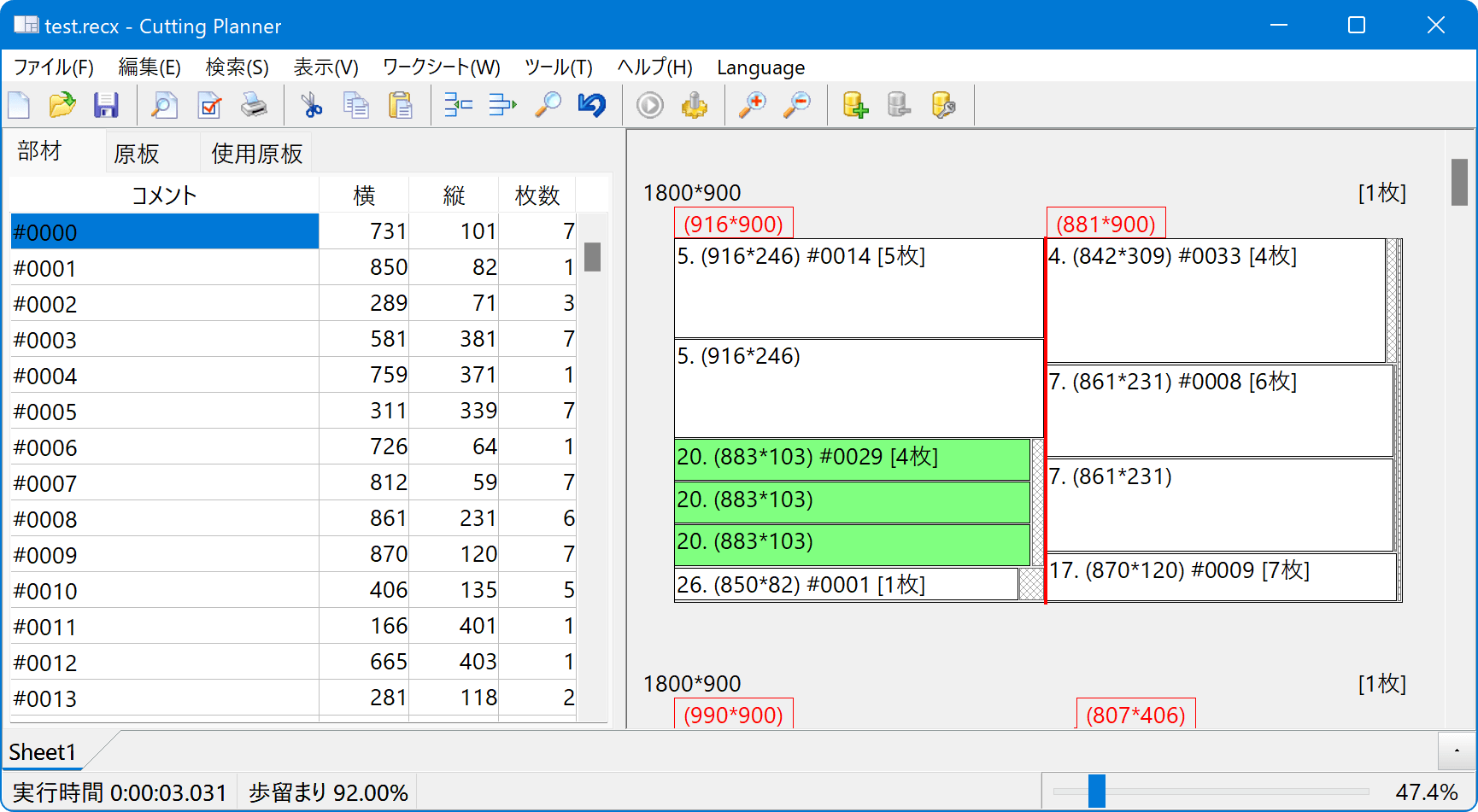
Windows10 Slate Gray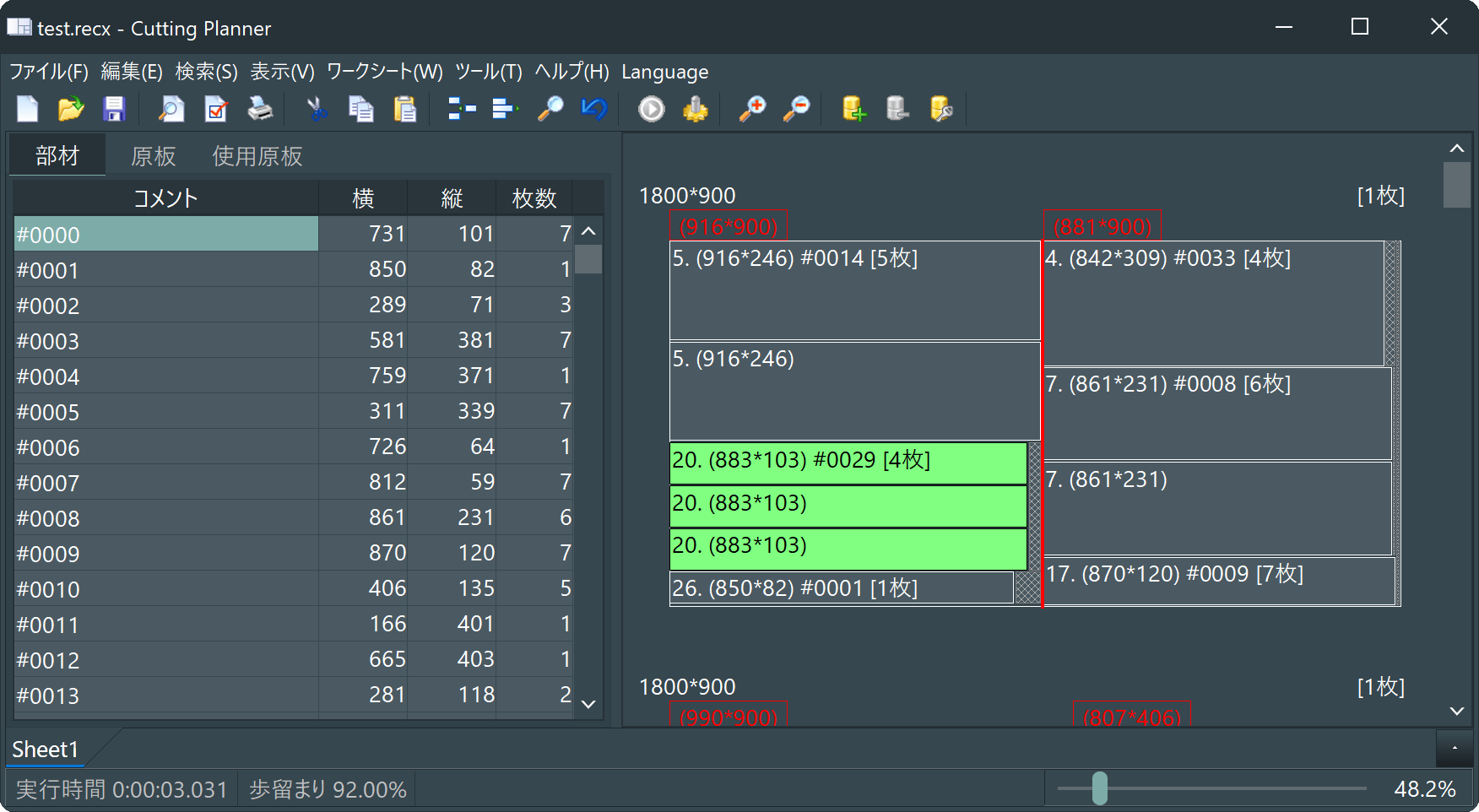
Windows10 Dark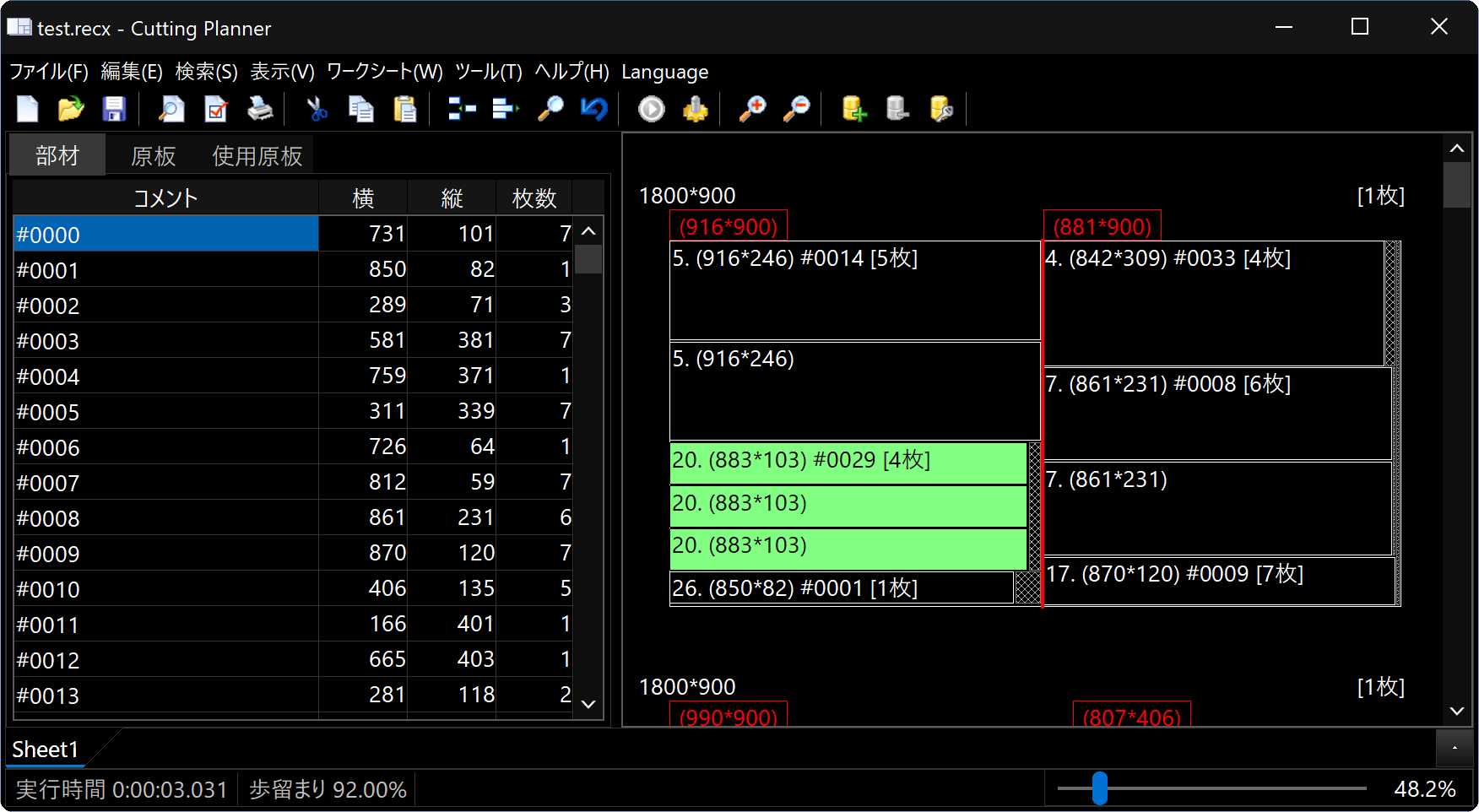
Slate Classico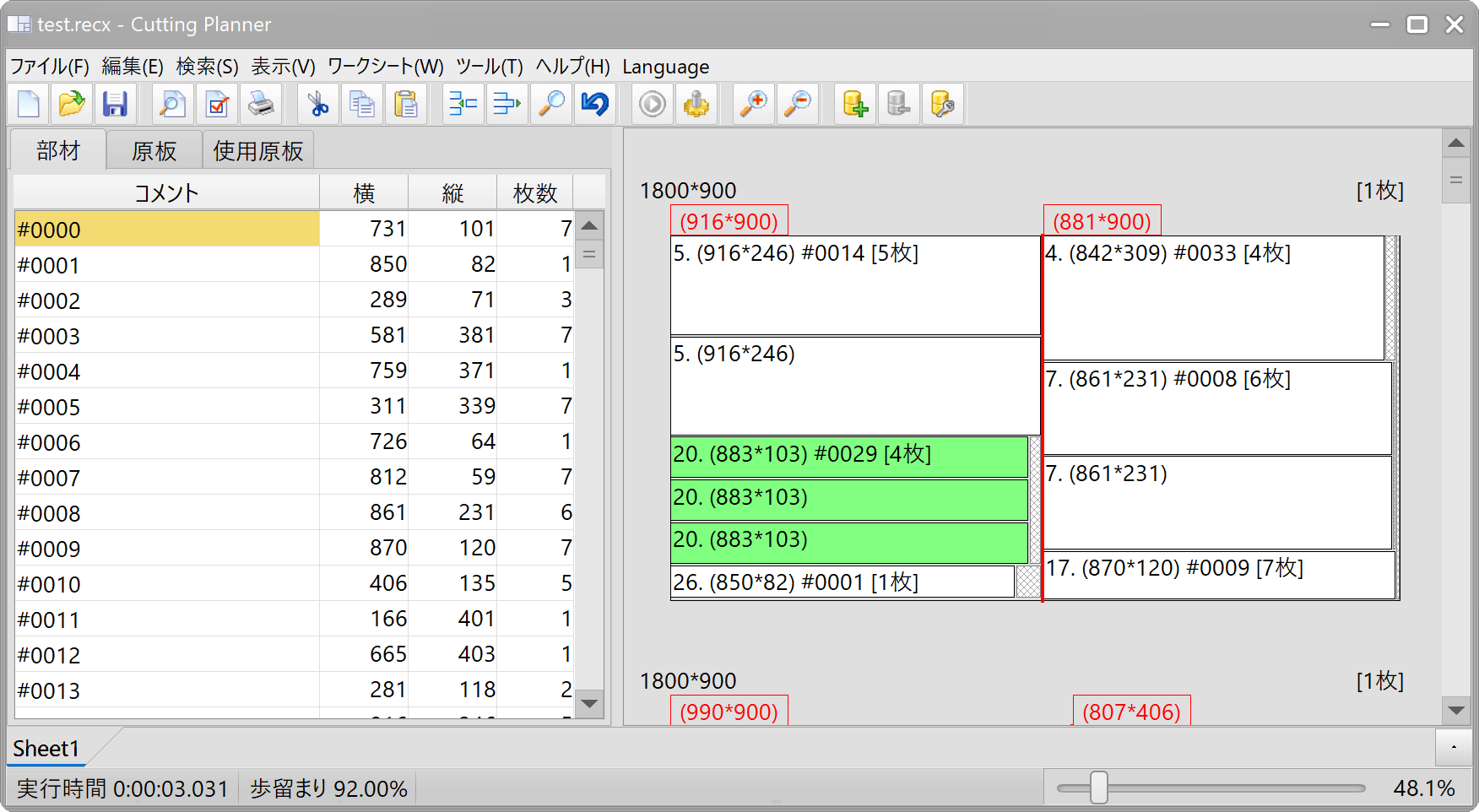
Sky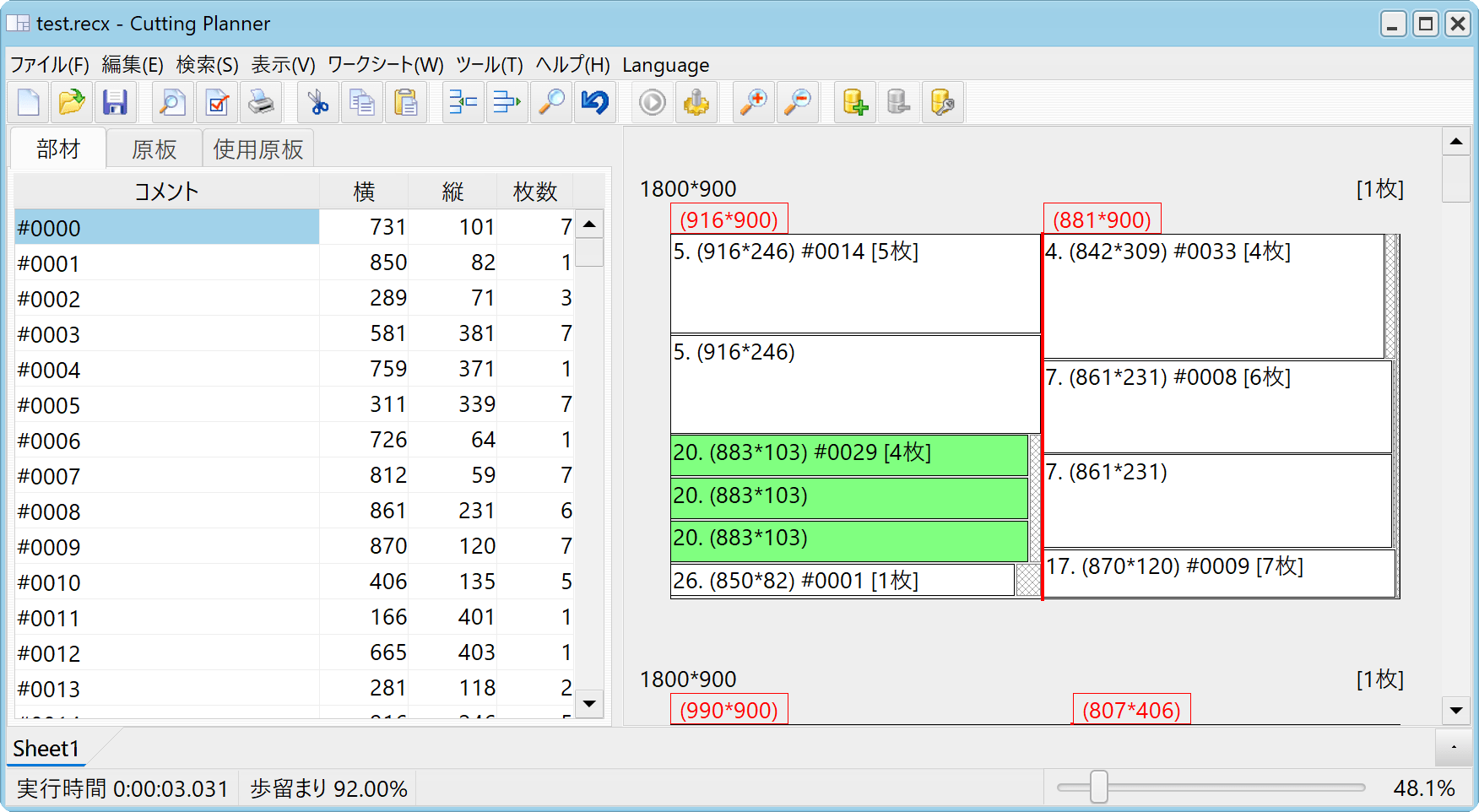
Language
Changes to the language settings will take effect after you restart.
EnabIe CoIumn Reordering
If you check this box, you will be able to reorder the columns in the Parts and Stocks Panel table by dragging and dropping the column headers. You must configure this setting separately for each layout, such as 1-dimensional, 2-dimensional, or those with a description column.
Importing and exporting CSV files depends on the order of the columns in this column. Please note that changing this order will break compatibility with previous files.
Order of Size Notation (XY Order for 2D Sizes)
When specifying 2D dimensions throughout the app,
choose either [Horizontal dimension] * [Vertical dimension] or [Vertical dimension] * [Horizontal dimension].
To change the order of the table, use the customization features described above, and when printing, use the “Print Range and Column Order” option in Page Setup.